50 New Things Your iPhone Can Do in iOS 27 - Out Now!
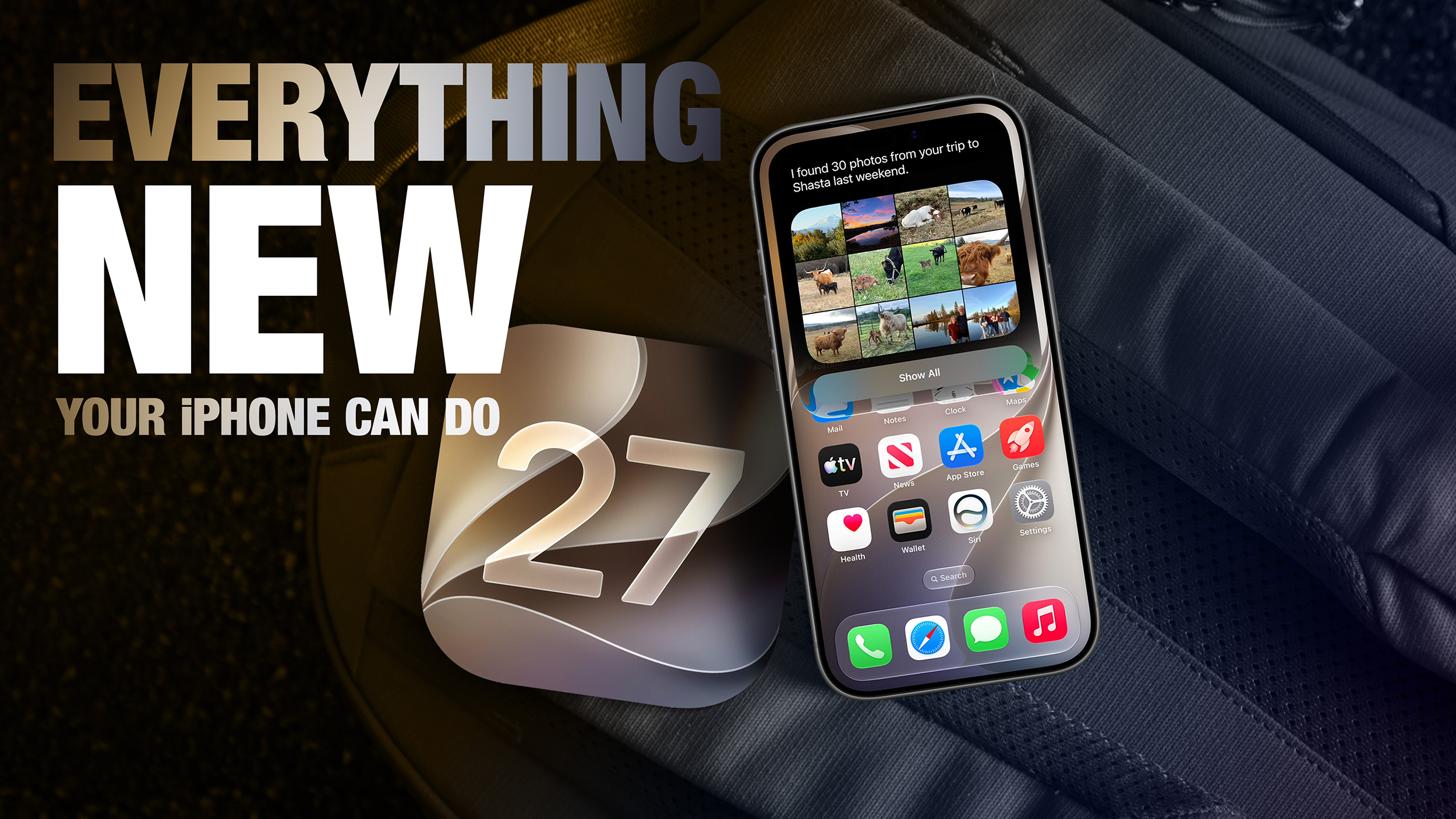
Apple launched iOS 27 this week, positioning the update as a bug‑fix‑heavy refinement while still delivering a flood of new capabilities. The rollout reaches every supported iPhone model as a free download via Settings ➜ General ➜ Software Update.
Context‑Aware Siri and Dual‑Chatbot Support
A major highlight of iOS 27 is the re‑engineered Siri, now powered by on‑device Apple Intelligence and capable of context‑aware conversations. The new Siri app defaults to the Apple model but lets users long‑press the input field to switch to ChatGPT, offering a familiar large‑language‑model experience. Switching does not preserve conversation history, and the option appears even without the dedicated ChatGPT extension enabled in Settings ➜ Siri ➜ ChatGPT.
Visual Enhancements Across the System
Extend Your Wallpaper
The “Extend” feature in Photos uses Apple Intelligence to generate additional image content that fills the Lock Screen without aggressive cropping. When a picture is too tight or mismatched to the screen’s aspect ratio, the system analyses edges and creates matching background details, delivering a seamless full‑screen look.
Compact Lock Screen Clock
A new layout option moves the time from the traditional centered position to a smaller display beside the date and widgets. The compact clock lives in the Font & Color panel’s top‑right corner, giving users a cleaner aesthetic that showcases their wallpaper more fully.
Enhanced Flyover in Maps
Apple upgraded Maps’ Flyover with AI‑enhanced aerial imagery, adding richer texture, sharper geometry, and realistic lighting. The improvement now covers 350 cities worldwide, rendering individual trees, glass façades, and other landmarks with unprecedented detail.
Productivity Tools Powered by Natural Language
Safari Tab Grouping
Safari automatically clusters open tabs into topic‑based collections using Apple Intelligence. Users enable the feature in Tab View by tapping the three‑line icon and turning on “Automatically Create Topics,” which separates shopping research from travel planning without manual effort.
Reminders and Calendar Natural Language
Both Reminders and Calendar now parse plain‑text entries. Typing “Pick up Dad at 6 p.m. tonight” or “Send the photos to Eric tomorrow at 3 p.m.” extracts date, time, and contacts, populating the event or reminder instantly.
Describe a Shortcut
The Shortcuts app introduces a “Describe a Shortcut” interface. Users type a natural‑language description—such as “set tomorrow’s alarm based on my first Calendar event, enable Sleep Focus, and dim the bedroom lights”—and Apple Intelligence assembles the appropriate actions automatically.
AI‑Generated Safari Extensions
A new “Create an Extension” command lets users describe desired functionality in plain language. Apple then generates a Safari extension, offering starter ideas across categories like “Boost Productivity” and “Get Creative.”
Media, Photos, and Camera Innovations
Image Playground Goes Photo‑Realistic
Image Playground now runs on Private Cloud Compute, producing high‑quality images in any style, including true photo‑realistic output. Every generated image carries a hidden SynthID watermark, and the app now supports photo‑based editing alongside creation.
Star Ratings for Photos
Photos can be assigned 1‑to‑5‑star ratings and keywords, with a new “Show Rating Controls” toggle in Settings ➜ Photos. Rating badges appear on thumbnails, making it easy to locate top‑rated media at a glance.
Slideshow from Any Album
Users can start a slideshow from any album, collection, or selection by tapping the menu button and choosing “Start Slideshow.” Customizable transition styles, durations, and background music can be saved as a video or shared directly to social platforms.
Siri Mode in the Camera App
A new “Siri” camera mode identifies objects in the frame using Visual Intelligence. It can name plants, estimate food calories, translate text, capture event flyers and add calendar dates, or even split a bill—all via voice interaction.
Accessibility, Home Automation, and Audio Tweaks
Live Recognition for Real‑Time Descriptions
Accessibility now includes Live Recognition, which uses on‑device intelligence to describe people, objects, and surroundings in real time through the camera. It can also answer contextual questions about the environment, expanding the iPhone’s assistive capabilities.
HomeKit Secure Video Summaries (iCloud+ Only)
The Home app can generate written summaries of motion alerts from HomeKit Secure Video cameras, group footage across devices, and support natural‑language search. This feature requires an iCloud+ plan with at least 2TB of storage, priced at $9.99 / month.
Adjustable EQ for AirPods
iOS 27 adds a custom equalizer for AirPods equipped with Apple’s H2 chip. Users navigate Settings ➜ [Your AirPods] ➜ Audio & Routing ➜ Equalizer ➜ Custom to fine‑tune lows, mids, and highs. Compatible models include AirPods Pro 2, AirPods Pro 3, AirPods 4, and AirPods Max 2.
Liquid Glass Opacity Slider
A new slider under Settings ➜ Appearance ➜ Liquid Glass lets users adjust translucency. Options range from a clear view of the background to a more opaque, tinted style that improves text legibility, catering to users who found the full‑bleed effect of iOS 26 too bold.
Customizing Siri’s Voice and Interaction
Apple introduced a more powerful on‑device model for iPhone 17 Pro, iPhone 17 Pro Max, and iPhone Air, enabling richer speech synthesis and multimodal understanding. Users can now tweak Siri’s expressiveness and speaking pace, creating a personalized vocal assistant that feels more natural than ever before.
---
With iOS 27, Apple blends AI‑driven convenience, visual polish, and granular customization into a single free update. From context‑aware Siri to photo‑realistic image generation, the operating system demonstrates how Apple continues to evolve the iPhone experience while keeping the core focus on stability and bug resolution.